Pinterest topic
Pinterest Metrics, Filters and SEO Advice Explained
Pinterest analytics is the reporting area that shows how your Pins and boards perform. This topic gathers what Pinterest Help says about where to find it, what every metric means and how Pinterest describes growth and search. No guide in this topic is published yet. Five are planned. They cover when to post on Pinterest, getting more followers, Pinterest statistics, business analytics and Pinterest SEO. The facts below come from Pinterest Help. We have not opened a business account dashboard on Pinterest ourselves.
Where to Find Pinterest Analytics
A business account is required, says Pinterest Help. The route below is paraphrased from its analytics article. It was not tried on an account.
- Use a business account Analytics is not shown to personal accounts.
- Open Overview On the web use the top left menu and choose Overview under Analytics. In the app tap the chart icon on your profile.
- Set a date range The default view covers the last 30 days. Custom ranges reach back about a year and a half.
- Add filters Narrow the report by content type or format. Export the result as a CSV file on the web.
Overview shows overall performance, performance over time, top boards and top Pins. Core Pinterest analytics metrics are engagements, engagement rate, impressions, saves, save rate, Pin clicks, outbound clicks and the rate for every click type. Total audience and engaged audience are listed as audience metrics.
Pinterest Analytics Metrics Defined
Definitions come from the Pin stats article of Pinterest Help. Wording is shortened here.
| Metric | Meaning |
|---|---|
| Impressions | Times Pins or ads were on screen |
| Saves | Times people saved a Pin to a board |
| Pin clicks | Taps on a Pin to a destination |
| Outbound clicks | Clicks to the Pin's destination URL |
| Follows | Followers gained from one Pin |
| Video views | 2 seconds of playback with 50% in view |
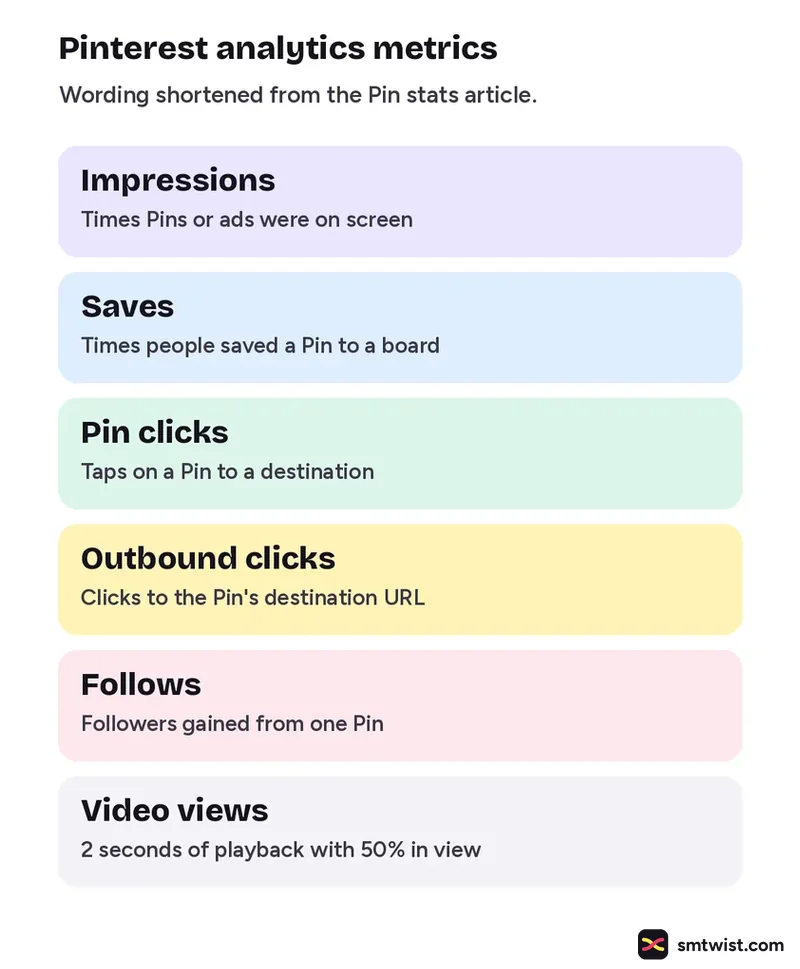
Video metrics add 10-second plays, plays to 95% and average play time. They appear only when a video filter is on. Outbound clicks count from the date a link was added. Pin stats combine every Pin that shares an image and a URL.
Filters and Real Time Estimates
The filter list in Pinterest analytics includes content type (organic, paid and earned or all), Pin format, ad format, device, age, gender and source. On mobile the age and gender filters are not available. A switch called Use real time estimates covers the last 48 hours. The help article warns that these figures are estimates and can decrease. They are not offered for audience metrics or with the age and gender filters.
What Pinterest Says About SEO and Growth
One Pinterest Help article covers distribution. It says engagement like searches and saves decides what Pinterest shows people. It lists steps that apply to search and growth:
- Add relevant keywords to Pin titles, Pin descriptions, board titles, board descriptions and website URLs.
- Add topic tags to new Pins.
- Match the image, text and keywords of a Pin to the site it links to.
- Create original Pins regularly. Pinterest suggests aiming for weekly.
- Avoid saving the same Pins again and again or uploading duplicates, which can be flagged as spam.
Pinterest also says the more your ideas are saved or your account is followed, the more your content shows up. It names no follower target.
What is Still Unconfirmed
None of the Pinterest Help articles we read carry a date. Two of them disagree on scheduling. The distribution article says Pins can be scheduled up to two weeks ahead and the scheduling article says 30 days. The Pin stats article does not define engaged audience. These articles name no time of day or week to post. Audience figures are on our Pinterest hub and are not repeated here. Check every metric in your own account before you rely on it.
Where This Topic Fits
This topic sits inside our Pinterest section, next to How to Post on Pinterest: Create, Schedule and Delete and Pinterest Marketing for Business, Selling and Creators. A guide appears here the day it goes live and is marked Tested or Checked, as our editorial policy explains. Changes are logged on our change log. Namrata Arora edits this section. To look up a term, use the social media glossary or our site search.
Sources: Pinterest Help on Pinterest Analytics, Pinterest Help on Pin stats and Pinterest Help on Pin performance and distribution.
FAQ
Do I need a business account for Pinterest analytics?
Yes. Pinterest Help says you need a business account to view Pinterest Analytics. It adds that analytics can only be available to account owners above a certain age.
What does an impression mean on Pinterest?
Impressions are defined by Pinterest Help as the number of times your Pins or ads were on screen. It is not a count of people and it is not a count of clicks.
Does Pinterest say when to post?
Not in the help articles we read. Pinterest says there is no set engagement window, so a Pin can gain attention long after it is published. It advises creating original Pins regularly.