Platform desk
Snapchat Guides for People and Brands
Snapchat guides for people who post and chat and for brands that advertise. Features first, then the guides.
Snapchat guides on Social Media Twist cover the camera app for two groups, namely people who post and chat and brands that advertise. None is published yet. Four are planned. Until then, this hub lists what Snapchat does, what it gives brands and where every planned guide will sit. Every guide will be marked Tested or Checked, as our editorial policy explains.
What Snapchat Does
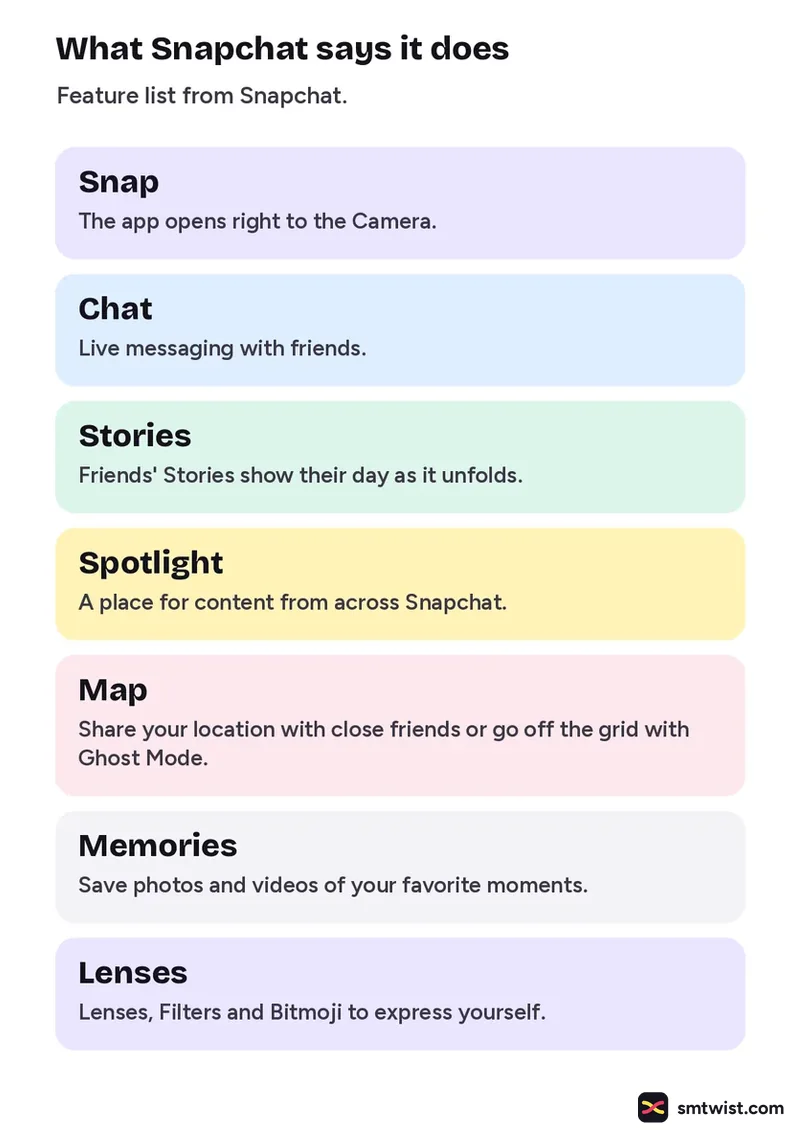
Snapchat describes itself in its App Store listing through seven features. The camera comes first, because the app opens straight to it.
| Feature | What Snapchat says it does |
|---|---|
| Snap | The app opens right to the Camera. |
| Chat | Live messaging with friends. |
| Stories | Friends' Stories show their day as it unfolds. |
| Spotlight | A place for content from across Snapchat. |
| Map | Share your location with close friends or go off the grid with Ghost Mode. |
| Memories | Save photos and videos of your favorite moments. |
| Lenses | Lenses, Filters and Bitmoji to express yourself. |
Tools for Brands
Snapchat for Business lists two groups of tools. The advertising tools start with Snapchat Ads, which launches targeted campaigns from Ads Manager. Ads appear in full screen 9:16 formats. Snap Pixel tracks conversions. Reporting breaks performance down by audience, placement and creative. The organic tools are Snap Promote, which promotes your content to grow your following. A Public Profile gives users a business profile to discover.
Snapchat Guides by Topic
Every topic gets its own entry. A card links there once it is live.
Snapchat Editing Tools and Posting Features
Two guides are planned. They cover scheduling posts and building Stories.
Snapchat Ad Formats and Setup Stages
One guide is planned. It covers working with creators and launching campaigns.
Snapchat Business Account and Profile Facts
One guide is planned. It covers using Snapchat for a business.
Privacy and Safety Settings
Snapchat Support names the main controls. You choose who can send you Snaps, who can view your Story and who can see your location on Snap Map. It also recommends a strong password, two factor authentication and not sharing one time passcodes. Parents can use Family Center to see who their teens chat with, without viewing message contents. Read the full list in the Snapchat Support article.
Where Our Snapchat Guides Stand
Snapchat changes its menus without notice, so a guide here shows when it was last checked. A guide is Tested when Namrata Arora tried the steps on a real account and Checked when it was compared with official help only. Changes are logged on our change log. To find a Snapchat term, use the SMTwist search or the social media glossary. If you have tested a Snapchat feature yourself, you can pitch it through Write for Us.
Sources: Snapchat on the App Store, Snapchat for Business and Snapchat Support.
FAQ
Which Snapchat guides are published?
None yet. Four are planned. They cover how to schedule posts, how to create engaging Stories, how to use Snapchat for business and how to work with creators on campaigns. A guide appears here and on our change log the day it goes live.
Can I choose who sees my Snapchat Story?
Yes. Snapchat Support lists privacy controls for who can send you Snaps, who can view your Story and who can see your location on Snap Map.
Is Social Media Twist part of Snapchat?
No. We are independent and not affiliated with Snapchat or any other platform.
How do I suggest a Snapchat topic?
Email connect@smtwist.com with the question you could not answer. If you have tested a Snapchat feature yourself, read our guest post guidelines first.