Snapchat topic
Snapchat Ad Formats, Setup Stages and Creator Campaigns
Snapchat ads are paid placements that appear in Snapchat, from full screen video between Stories to branded Lenses. This topic covers Snapchat ads and the paid promotion around them, including campaigns with creators. No guide in this topic is published yet. One is planned, on working with creators and launching campaigns. Below is what the sources we have read say about formats, setup and creators.
Snapchat Ad Formats
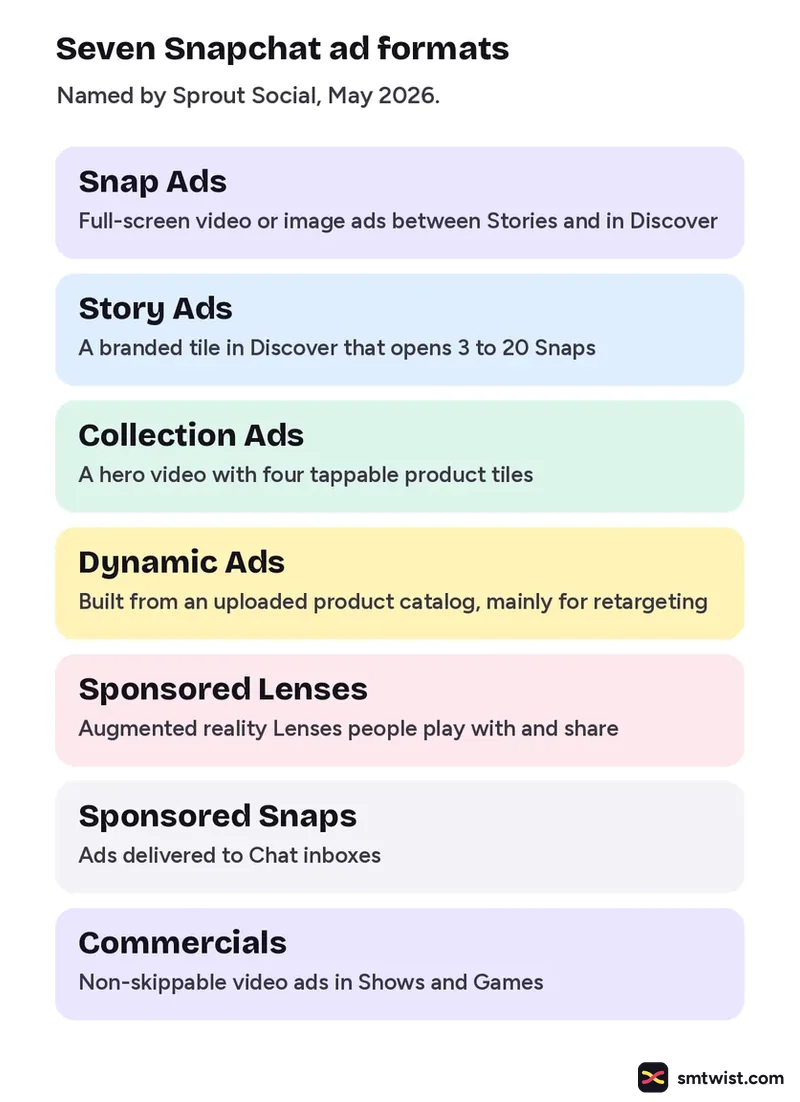
Sprout Social, in May 2026, names seven formats. Snap Ads are the base format.
| Format | What it is |
|---|---|
| Snap Ads | Full screen video or image ads shown between Stories and in Discover |
| Story Ads | A branded tile in Discover that opens a series of 3 to 20 Snaps |
| Collection Ads | A full screen hero video with four tappable product tiles |
| Dynamic Ads | Ads built from an uploaded product catalog, mainly for retargeting |
| Sponsored Lenses | Augmented reality Lenses that people play with and share |
| Sponsored Snaps | Ads delivered to users' Chat inboxes |
| Commercials | Nonskippable video ads inside Snapchat's Shows and Games content |
Setting up Snapchat Ads in Ads Manager
Shopify's June 2026 guide gives the order below. We have not tried these steps in Ads Manager ourselves.
- Open Ads Manager Sign up, then choose Advanced Create and an objective. Instant Create makes a single ad faster.
- Set the campaign Name it, then set the dates and a daily or lifetime budget.
- Set the ad set Switch on the Snap Pixel, then choose placements, the audience, delivery and bidding.
- Add the ad Choose a format and upload visuals. Add a brand name, a headline and a call to action, then add payment details and publish.
Working With Snapchat Creators
Later, in February 2025, describes four routes for brands. The Creator Marketplace connects advertisers with creators. A Partnership Ad Code, which a creator generates, gives a brand a way to convert an organic post into an ad. With Creator Ads, a brand can place creator content as an ad from the creator's handle or its own. Snap Promote converts a creator's Story or Spotlight post into a paid ad.
Where This Topic Fits
This topic sits inside our Snapchat section, next to the editing tools and posting features topic. A guide appears here the day it goes live and is marked Tested or Checked, as our editorial policy explains. Changes are logged on our change log. Namrata Arora edits this section. To look up an ad term, use the social media glossary or our site search.
Sources: Sprout Social, Shopify, Later and Snapchat for Business.
FAQ
How much do Snapchat ads cost?
Snap Ads tests can start at a $5 daily minimum and budgets can be daily or lifetime, according to Sprout Social. Shopify says you can start at about $5 a day and that Snapchat recommends $20 to $50 for the full exploration process.
What is Snap Promote?
Snapchat for Business describes it as a way to grow your following by promoting your content. The steps it lists are to create a Public Profile, create a post and tap Promote in the top right corner once the post is live.
Do all sources list the same Snapchat ad formats?
No. Both Sprout Social and Shopify name Story Ads, Collection Ads, Dynamic Ads, Sponsored Snaps and Commercials, but Shopify also lists AR Filters and Snapcodes. Check the formats in Ads Manager before you plan a campaign.