Snapchat topic
Snapchat Editing Tools and Posting Features
Snapchat editing tools are the controls you use to change a Snap before you post it, like text, drawing, filters and Lenses. This topic covers those tools and the posting features around them, like Stories and scheduling. No guide in this topic is published yet. Two are planned. They cover how to schedule Snapchat posts and how to create engaging Stories. Here is what Snapchat's tools do, according to the sources we have read.
What Snapchat Editing Tools Do
Snapchat's App Store listing names Lenses, Filters and Bitmoji as ways to express yourself. Reviewers describe more tools.
| Tool | What it does | Reported by |
|---|---|---|
| Lenses | Augmented reality effects, like hats or glasses | Kapwing, 2023 |
| Filters | Overlays you browse by swiping. A second filter can be stacked by holding the screen | iMore, 2017 and Kapwing, 2023 |
| Stickers | Emoji you drag, resize and rotate. The scissors tool cuts an object out of a photo to save it as a sticker | iMore, 2017 and Kapwing, 2023 |
| Text and drawing | Type on a Snap or draw on it with a finger. An emoji can be used as a brush | iMore, 2017 and Social Media Today, 2017 |
| Magic Eraser | Removes an object you do not want in a Snap | Social Media Today, 2017 and Kapwing, 2023 |
| Timeline Editor | Shows a video as a timeline so you can trim, move or rearrange clips, then add Lenses and music | TechCrunch, 2025 |
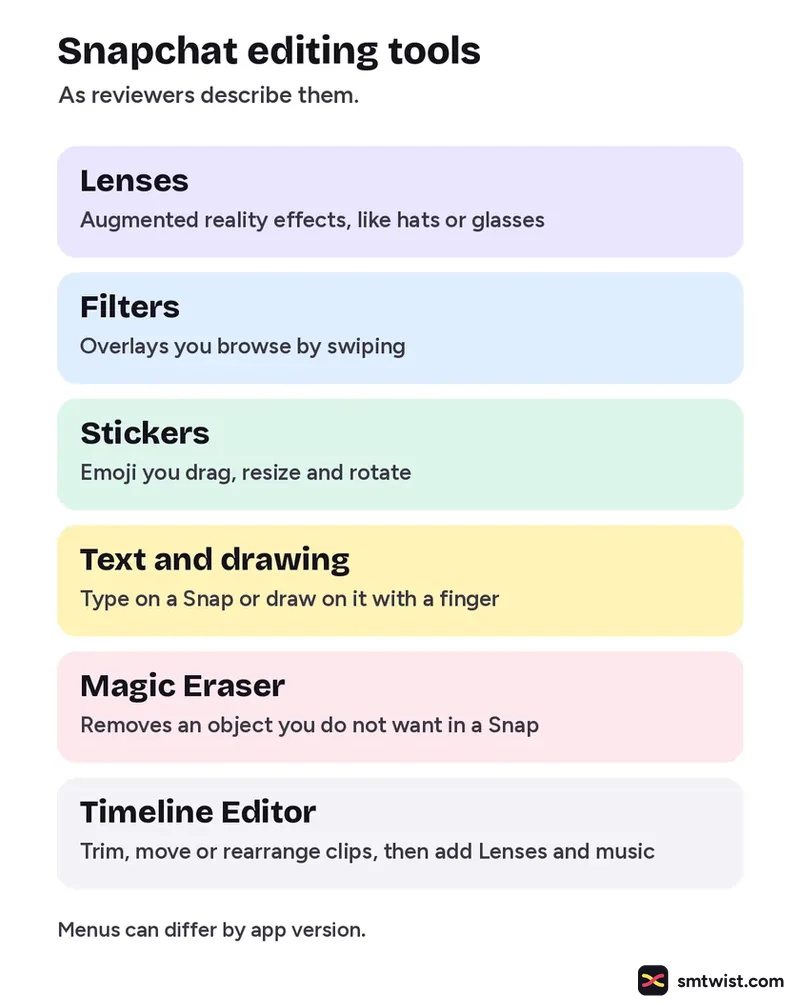
Snapchat moved its creative tools to the right side of the screen in 2017 and added the Timeline Editor in 2025. Menus can differ by app version, so confirm every tool in your own app.
Can You Schedule Snapchat Posts?
Sources disagree. Gizory, in a September 2026 article, says Snapchat has its own scheduling for Public Stories in the app. ShortSync, which sells a scheduler, says Snapchat has no built in scheduling for Spotlight. OneUp has a third party scheduler that posts a Story, a Spotlight or both once you connect your Snapchat account. We have not confirmed any of this against Snapchat's help articles, so the scheduling guide is not published.
Stories and Spotlight
Snapchat's App Store listing says Stories let you watch friends' days unfold and that Spotlight is a place for content from across Snapchat. Posting to every one is a topic for the planned Stories guide. A guide appears in this topic the day it goes live and is marked Tested or Checked, as our editorial policy explains.
Where This Topic Fits
This topic sits inside our Snapchat section, next to the ads and business topics. Changes are logged on our change log. To look up a Snapchat term, use the social media glossary or our site search. Namrata Arora edits this section. You can pitch a tested tip through Write for Us.
Sources: Snapchat on the App Store, iMore, Social Media Today, Kapwing, TechCrunch, Gizory, ShortSync and OneUp.
FAQ
Which Snapchat tool removes an object from a Snap?
Magic Eraser. Social Media Today reported it in 2017 and Kapwing described it in 2023 as a tool that removes objects you do not want in a Snap.
Can I trim a video in Snapchat?
TechCrunch reported in June 2025 that Snapchat added a Timeline Editor. It shows a video in a chronological layout so you can trim, move or rearrange clips.
How old are the sources on this topic?
They range from 2017 to 2026. Snapchat has moved its tools since the oldest ones, so look for every tool in your own app before you follow a step.